All-in-One Cleaner is the phone master that tidies your iPhone in seconds. Smart on-device scanning finds similar photos, blurry shots and oversized videos — one tap, gigabytes vanish.
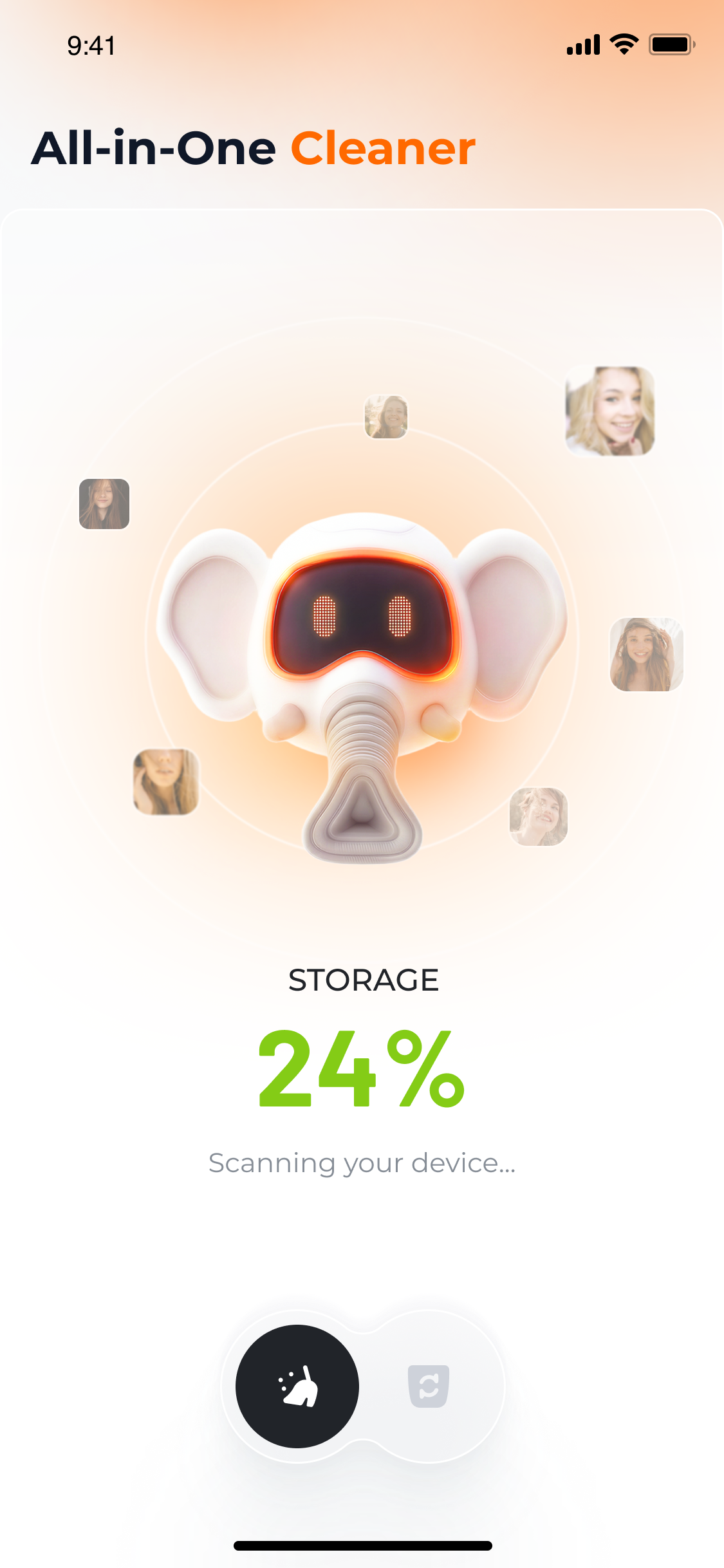
Five purpose-built tools running entirely on your device. No uploads, no accounts — just storage that comes back, fast.
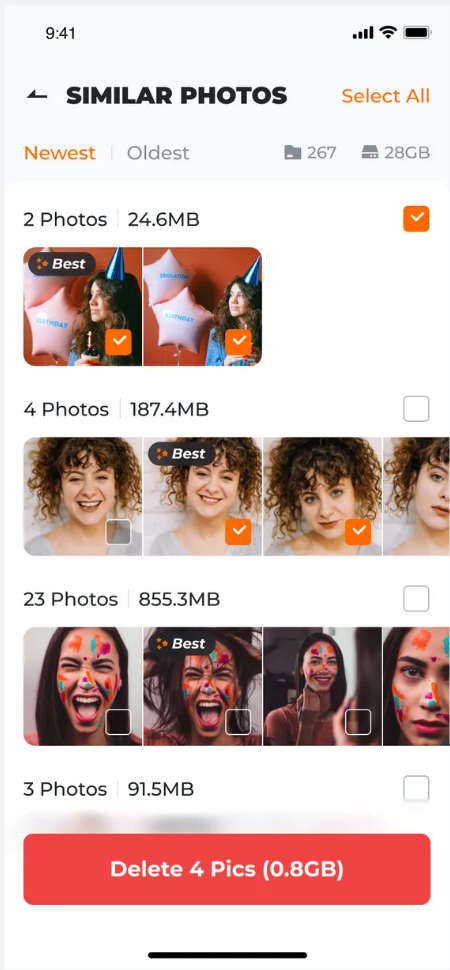
Easily find and delete similar images. Our smart algorithm picks the best shot from each burst — you just tap to delete the rest.
Out of focus, motion-blur, low-quality shots — all detected automatically. Keep your gallery sharp, organized and worth scrolling.
Videos hog the most space. We scan and detect near-identical clips so you can drop the duplicates in a single sweep.
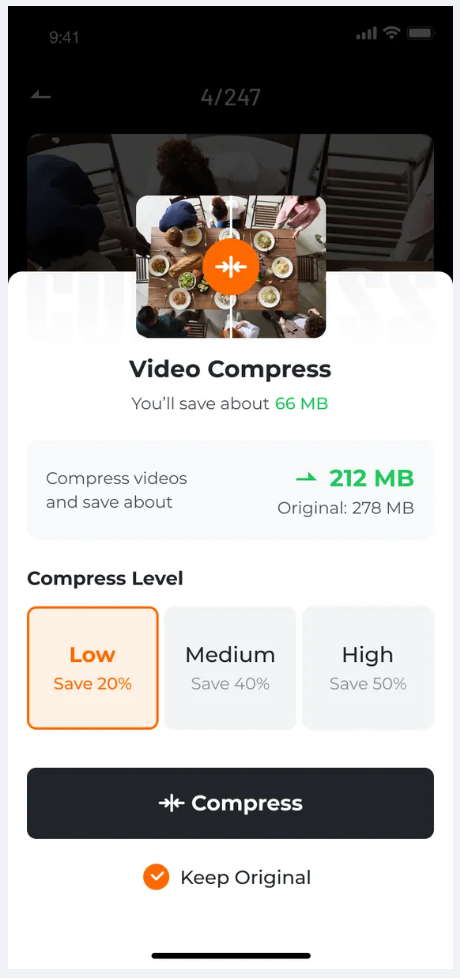
Spot the biggest files in seconds. Sort by size, preview, then drop the ones you don't need — instantly free hundreds of megabytes.
Our advanced scanner reads your library in under 15 seconds and groups every file into clean, intuitive categories.
Tap once, and we read every photo and video on your device. Nothing leaves your iPhone — ever.
Files appear neatly grouped. Our algorithm pre-selects the keepers; you can override anything with a tap.
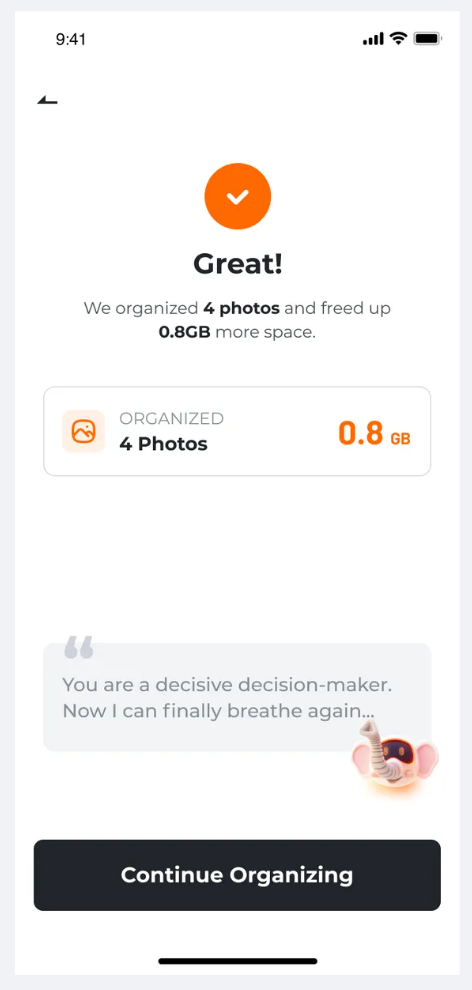
Confirm and watch storage come back. A quick recap shows exactly how much space you reclaimed.
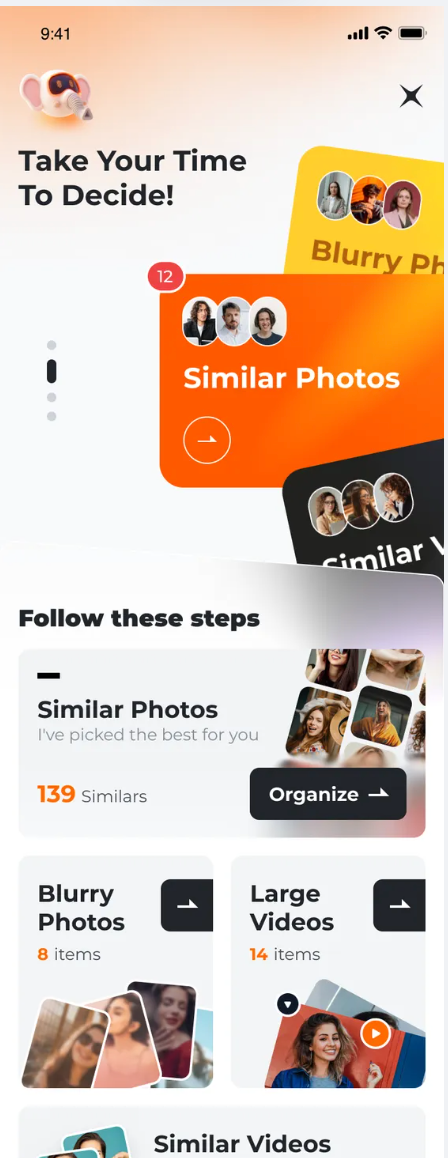
From scan to satisfaction — see exactly what each screen looks like on your device. Drag the strip below.
Reclaim gigabytes in a single sweep — no more "Storage Almost Full" warnings.
Photos, videos, blurry shots, large files — every kind of digital clutter handled.
Bursts, near-duplicates, almost-identical clips — caught and grouped automatically.
No settings to tweak, no learning curve — open it, scan, tap, done.
iPhone users whose storage is permanently full.
Users with thousands of photos and videos to sift through.
Anyone who wants a fast, convenient cleaning app.
People who need a smarter duplicate-photo remover.
No. Every scan and every detection runs locally on your iPhone. We never upload, store, or share your photos or videos. Your media stays fully private.
The algorithm clusters bursts and near-duplicates and pre-selects the sharpest, best-exposed photo as the "keeper". You can always override the pick before deleting.
Items are sent to your iOS "Recently Deleted" album, where they remain for 30 days before permanent removal. You can restore from there during that window.
It depends on your library, but most first-time users free between 1 GB and 5 GB on a single scan — sometimes much more if there are large unused videos.
Yes — to detect duplicates and large videos, the app needs read access to your gallery. You can revoke it any time from iOS Settings → Privacy → Photos.
Bugs, feedback, partnership ideas — every message is read by a human at our team. We usually reply within one working day.